100W USB‑C to USB‑C Cable: Fast Charging Done Right
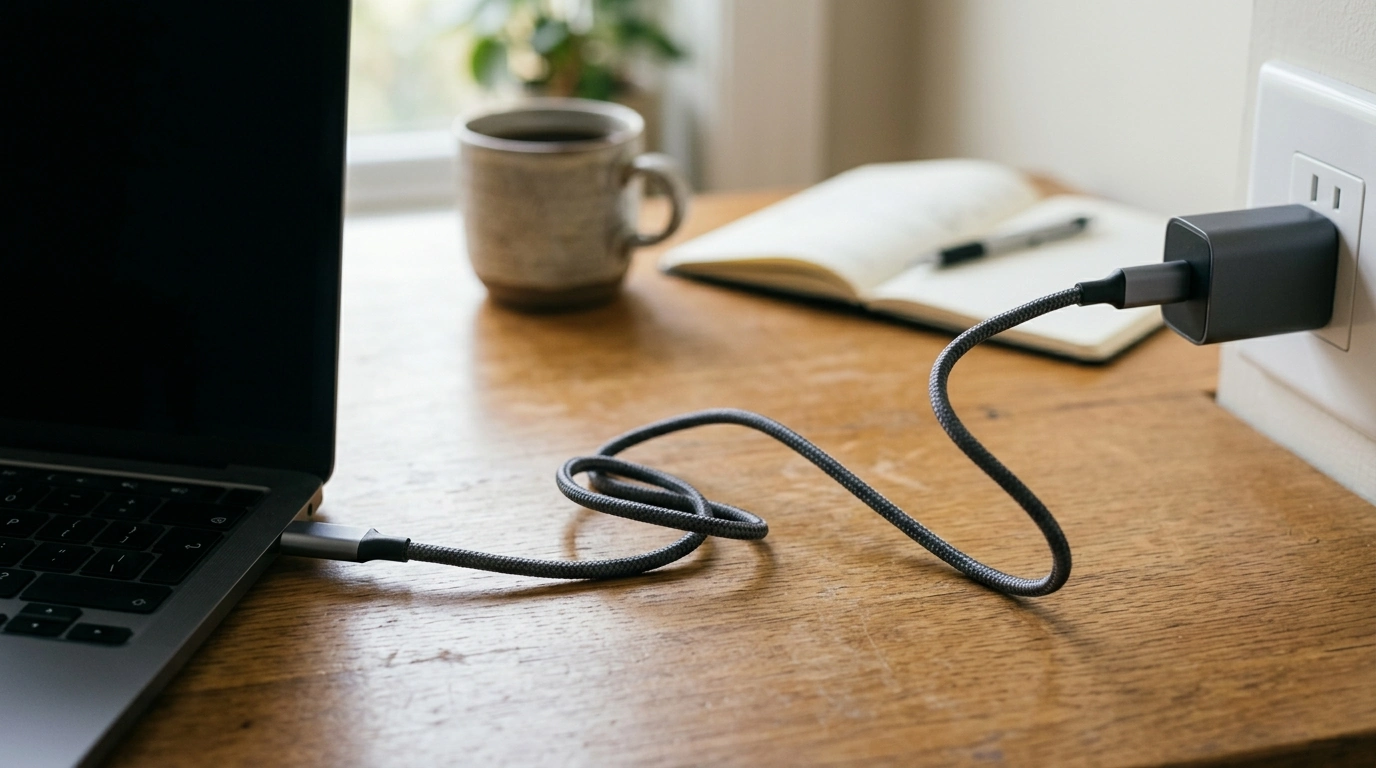
100W Fast Charging Cable Type‑C to Type‑C: The Everyday Upgrade for Faster Power
A 100W fast charging cable Type‑C to Type‑C is one of those small upgrades that immediately changes how charging feels—less waiting, fewer low‑battery surprises, and a cleaner setup for modern USB‑C devices. Our 100W Fast Charging Cable Type‑C to Type‑C is built for high‑power USB‑C charging and everyday data connections when you pair it with a compatible USB‑C power adapter and a device that supports fast charging.
When a 100W Type‑C to Type‑C cable makes the biggest difference
If you’ve ever seen “slow charger” warnings or watched your battery drop while plugged in, the cable can be part of the bottleneck. A higher‑power USB‑C to USB‑C cable is especially helpful in these common situations:
- Laptop and tablet charging over USB‑C: A higher‑power cable helps prevent slow-charging behavior when your charger and device support USB Power Delivery (USB PD).
- Fast top‑ups for USB‑C phones: Great for quick boosts during commutes, work breaks, or travel layovers—assuming your phone and charger support fast charging.
- One cable standard for more devices: USB‑C to USB‑C keeps your setup simple across modern chargers, power banks, and hubs.
- Reducing cable swapping: One higher‑capacity cable can cover more scenarios than lower‑wattage options (with the right charger).
Understanding “100W” without the guesswork
The “100W” rating is the cable’s power handling capability—not a promise that everything will charge at 100W. Real charging speed depends on three things working together: the charger, the device, and the charging protocol they share (commonly USB Power Delivery).
- A 100W cable doesn’t force 100W charging: If you use it with a 30W charger, you’ll still get up to the charger/device’s negotiated level.
- It’s about stability under load: Higher-power devices (many USB‑C laptops in particular) can draw more power while running, video calling, or driving an external display.
- Plan for your highest-demand device: Match your cable rating to the most power-hungry device you’ll charge, then pair it with a quality USB‑C PD wall charger or PD power bank.
What affects charging speed
| Factor | What it means | What to check before buying/using |
|---|---|---|
| Cable rating | How much power the cable can safely carry | Choose a 100W (or higher) rated USB‑C to USB‑C cable for laptops and other high‑power devices |
| Charger output | Maximum power a wall charger/power bank can supply | Confirm the charger’s USB‑C PD wattage (e.g., 30W, 65W, 100W) |
| Device support | How much power the device can accept | Verify your device supports USB‑C charging and the fast-charge level you want |
| Protocol negotiation | How charger and device agree on voltage/current | USB Power Delivery support is a common requirement for higher-wattage USB‑C charging |
If you want deeper background on how USB‑C charging is standardized, the USB‑IF overview of USB Power Delivery is a helpful reference, and you can also browse official USB‑IF specification resources.
Compatibility checklist: what this Type‑C to Type‑C cable is for
USB‑C is convenient because it works across a lot of categories, but it still pays to confirm your setup is truly USB‑C end-to-end.
- USB‑C devices that charge via USB‑C: laptops, tablets, phones, handheld gaming devices, headphones, and accessories with USB‑C power input.
- USB‑C chargers and power banks: pairs best with USB‑C PD outputs for fast, regulated charging.
- USB‑C to USB‑C connections only: this cable is designed for USB‑C ports on both ends (not USB‑A).
- Data connections: USB‑C cables often support data transfer, but speeds vary by cable spec—use this primarily as a charging solution unless you have a specific data-speed requirement.
Charging safely at higher wattage
Fast charging should feel boring—in a good way. With compliant USB‑C hardware, power is negotiated automatically, and your device draws what it needs.
Everyday ways customers use a fast USB‑C to USB‑C cable
Care tips that extend cable life
Quick buying guide: is this the right cable for your setup?
In-stock picks from our team
- 100W Fast Charging Cable Type‑C to Type‑C — our go-to upgrade for modern USB‑C charging.
- Smart Moves: Save Money & Pay Bills Like a Pro – Your Ultimate Guide to Financial Freedom — practical reading for tightening up the rest of your daily routine.
- Budget Like a Redditor: Real-Talk, Real Results — a quick digital guide for no-nonsense budgeting.
FAQ
Will a 100W USB‑C to USB‑C cable charge my phone faster?
It can, but only if your phone supports fast charging and your USB‑C charger can deliver it (often via USB Power Delivery). A 100W rating means the cable can handle higher power; it doesn’t force your phone to charge at 100W.
Do I need a special wall charger to use a 100W Type‑C to Type‑C cable?
No—this cable works with any USB‑C charger. To benefit from higher wattage and fast charging, you’ll want a USB‑C PD charger that’s rated appropriately for your device.
Is it safe to use a higher‑wattage cable with a lower‑power device?
Yes, in normal USB‑C setups: the charger and device negotiate what’s delivered, and the device draws only what it needs. The cable’s wattage rating is a capacity limit, not a constant output.















Leave a comment